
|
Other Items Maintenance |
|
"Other Items Maintenance" is a tool where each facility can customize and manage the verification items that are listed as "Other" resources. A default resource list is preloaded into the system for each facility. Users may deactivate items they do not wish to use or add new items to the list as needed. If you used a certain method of verification in the past and now wish to use a different resource to verify that type of data, the old item may be deactivated without disturbing the historical verification log items. The names of the items are also editable. However, altering the name of an item that was used in the past WILL change the name in the verification archives.
To
access the "Other Items Maintenance"
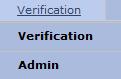
module select  on the EPR system main menu bar and choose
"Admin" from the drop-down
menu.
on the EPR system main menu bar and choose
"Admin" from the drop-down
menu.
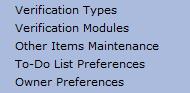
Select
"Other Items Maintenance"
from the
drop-down menu.
Select "Add" to create additional "other" items.
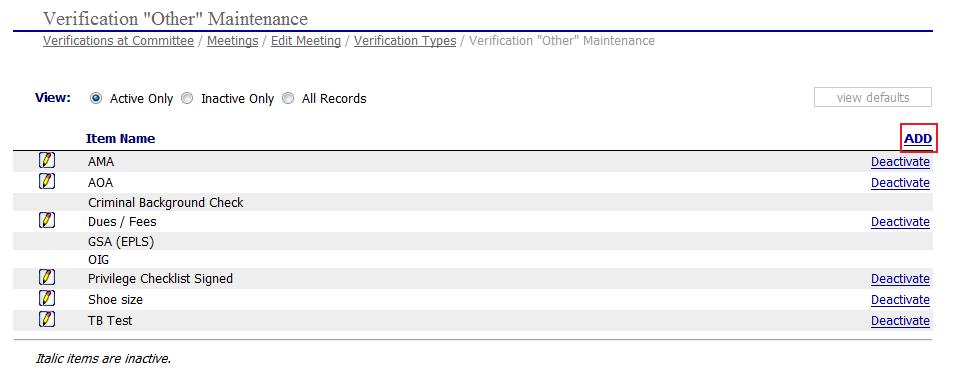
 A few "Other"
items are linked to specific verification functions and are not editable
or removable. These include:
A few "Other"
items are linked to specific verification functions and are not editable
or removable. These include:
Criminal Background Check - (tied to the PreCheck button for integrated criminal background reports)
GSA (EPLS)
OIG
