
|
View Current Privileges |
|
Perform the following steps to view the provider's current privileges:
To view Current Privileges
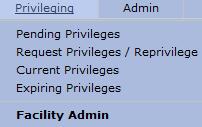
go to the  section and select "Current
Privileges" from the drop-down menu.
section and select "Current
Privileges" from the drop-down menu.
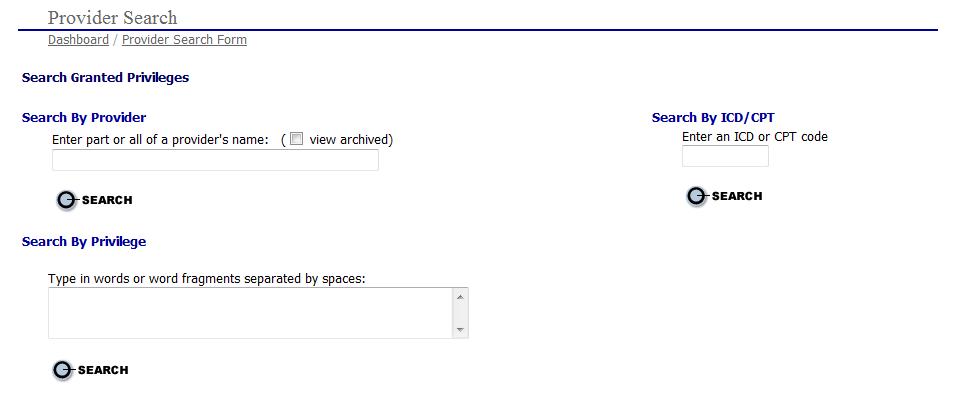
The "Provider Search" page as shown below.
Enter
search criteria in either the "Search
by Provider", "Search
by Privilege" or "Search
by ICD/CPT Code" areas
and select the  button. If you want to search in the archived
files, click the view archived box. The "Provider
Search Results" page is displayed.
button. If you want to search in the archived
files, click the view archived box. The "Provider
Search Results" page is displayed.
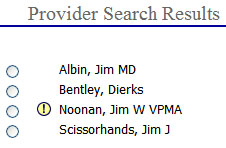
Select the  radio button next to the provider's name to open the "Current Privileges"
page for the provider.
radio button next to the provider's name to open the "Current Privileges"
page for the provider.
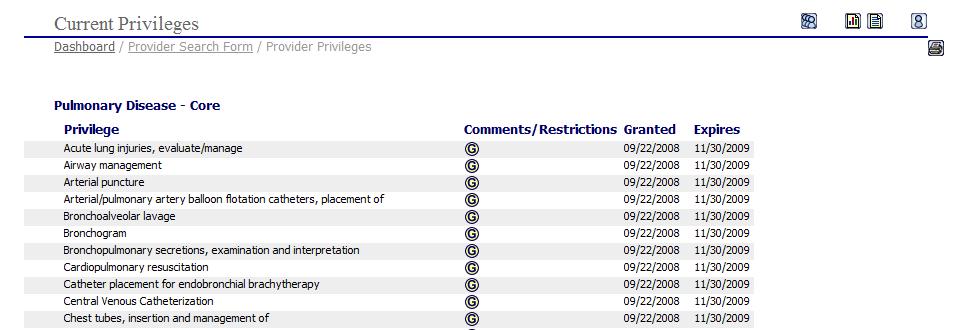
To view a printable
version of the provider's current privileges, click the  print icon to open the current privileges in a printable
Word format.
print icon to open the current privileges in a printable
Word format.
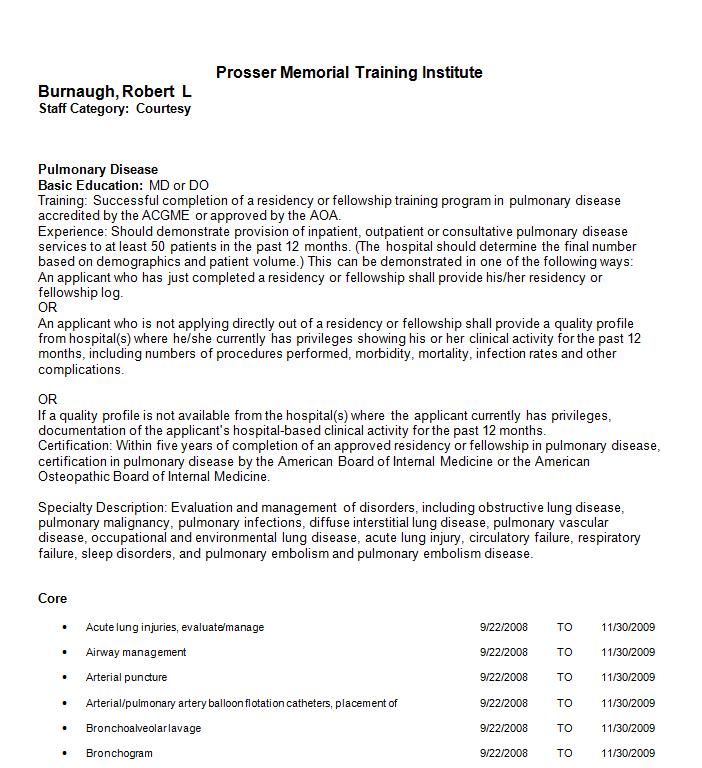
Print the privilege list as you would in any Word document.
